Submit Camera Locations
Found a camera you'd like to submit? The process to contribute to the DeFlock SD is very simple.
1. Open an OpenStreetMap account
ALPR location data is sourced from OpenStreetMap
2. Find the location you want to report on the map
You'll be editing what's in your viewbox on the map
3. Add the location
- Select the Edit option in the top left
- Add a Point feature
- Insert Tags
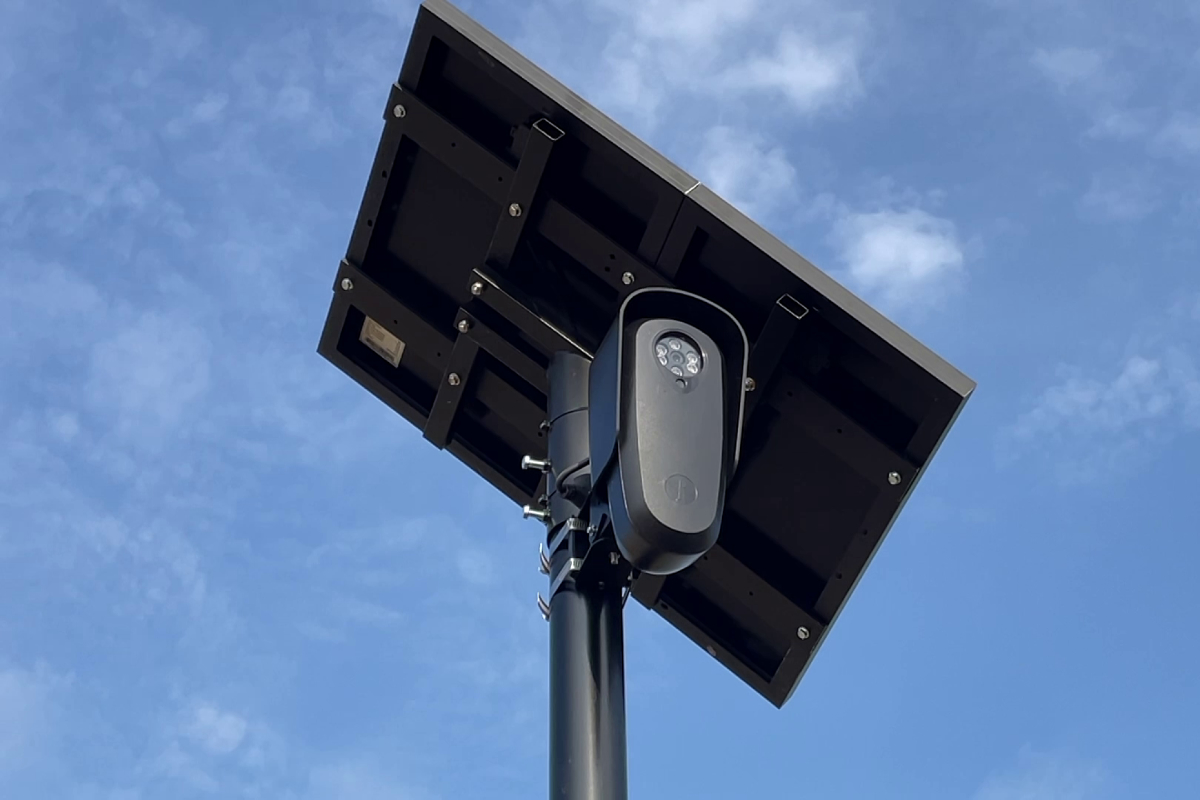
Flock
man_made=surveillance
surveillance:type=ALPR
surveillance=public
camera:type=fixed
surveillance:zone=traffic
manufacturer=Flock Safety
manufacturer:wikidata=Q108485435
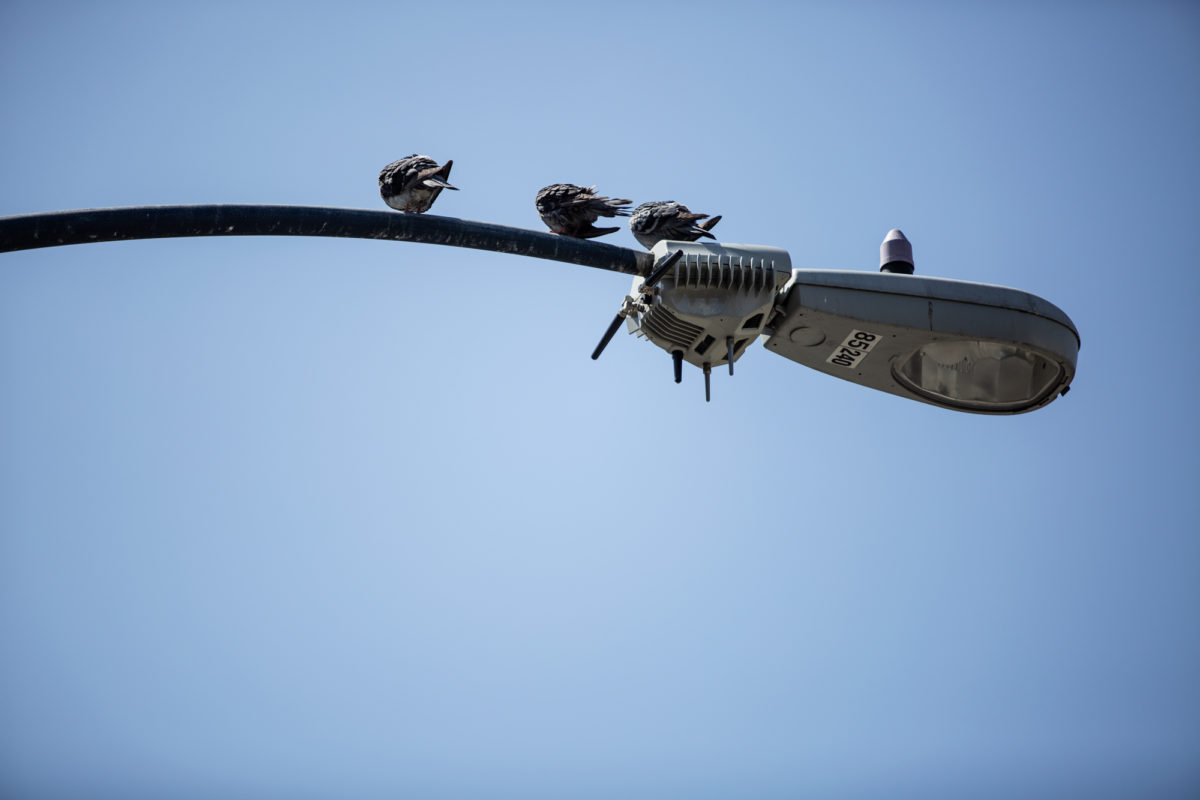
Ubicquia
man_made=surveillance
surveillance:type=ALPR
surveillance=public
camera:type=fixed
surveillance:zone=traffic
manufacturer=Ubicquia, Inc.
manufacturer:wikidata=Q138313103
4. Add a direction
Directions are described in degrees like 190. If there are multiple cameras mounted at a single location, you can denote it with a semicolon (;): 190;220
5. Submit your changes
Select the Save option, and you're all set!